Antigen
Anti-slop image studio I built for my own production.
Intro
I built Antigen because outputting an image and fixing an image are two different jobs, and the traffic between them was eating my days. Generate in a browser tab. Download. Open in Photoshop. Repair the hands. Re-import. Do it again, eleven times, for one usable asset.
The name is a joke that turned out to be load-bearing. In biology an antigen is the foreign body an immune system learns to recognize and neutralize. Read the other way it is anti-gen: against generation… which is a strange name for an application built to generate at volume (but then again, I am a classically trained artist). Both readings are correct. Most of Antigen’s surface area is not spent making pictures. It is spent finding what the model got wrong and undoing it.
It is a desktop application, a small server and an interface that launch together from an icon and run entirely on my own machine. It talks to image models through their APIs directly. That sounds mundane and it is the thing that changed everything: instead of eight browser tabs, a downloads folder, and a file-naming convention I invented one morning, there is one window, one shelf, and a batch of a dozen images arriving on it while I keep working.
The vocabulary is all one metaphor: An image is a specimen. A prompt is a primer. The anti-slop prompt fragments I keep on file are codons. Cutting a region out of an image to work on it alone is a splice. It started as a bit and stopped being one in the same day, when I noticed the metaphor was doing real work: this is a pipeline for isolating a defect, treating it, and putting the tissue back where it came from.
There are two builds. Frontier runs on cloud models. Mutation runs on my own GPU against a model trained on my own work. They share a codebase, a design and the same five stations.
I use Antigen Frontier to hold a look… at volume.
See Antigen Frontier in Action
Generate, Amplify (upscale), Recombine (inpaint), and Polish (paint) in one session.
Frontier’s Loop
Generate > Select > Amplify > Recombine > Polish
A strain and a primer go in, candidates land in the tray…


…a mask isolates the part that is wrong, a plasmid rewrites it…


…Fixate writes the still, Polish is the paint layer on top.


In the video
The Tray — the persistent dock that holds all of your work.
Generate Station — model, count, aspect, strain library, system voice, primer.
Amplify Station— upscale the specimen to a working resolution.
Recombine Station— Generate masked rewrites so one part can change without rerolling the still.
Polish Station— brush, color, and layers on the finished file.
On a Team
This is how I take an AD seat or two production seats without the look falling apart. One directed strain, fast variants, paint only where the image is sloppy.
After the Pass
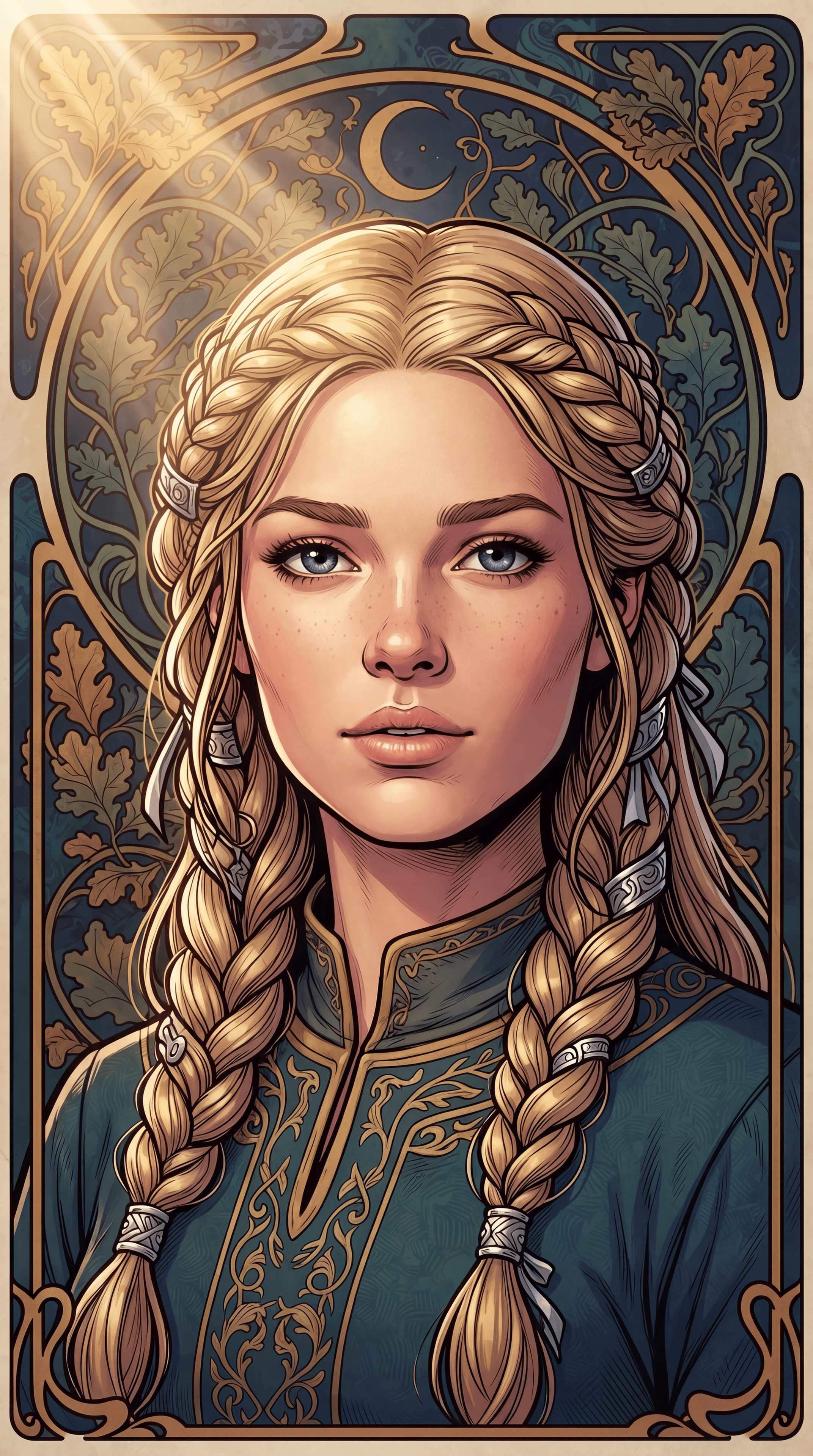
Same hand after the generate pass.

More AI-Paintover